
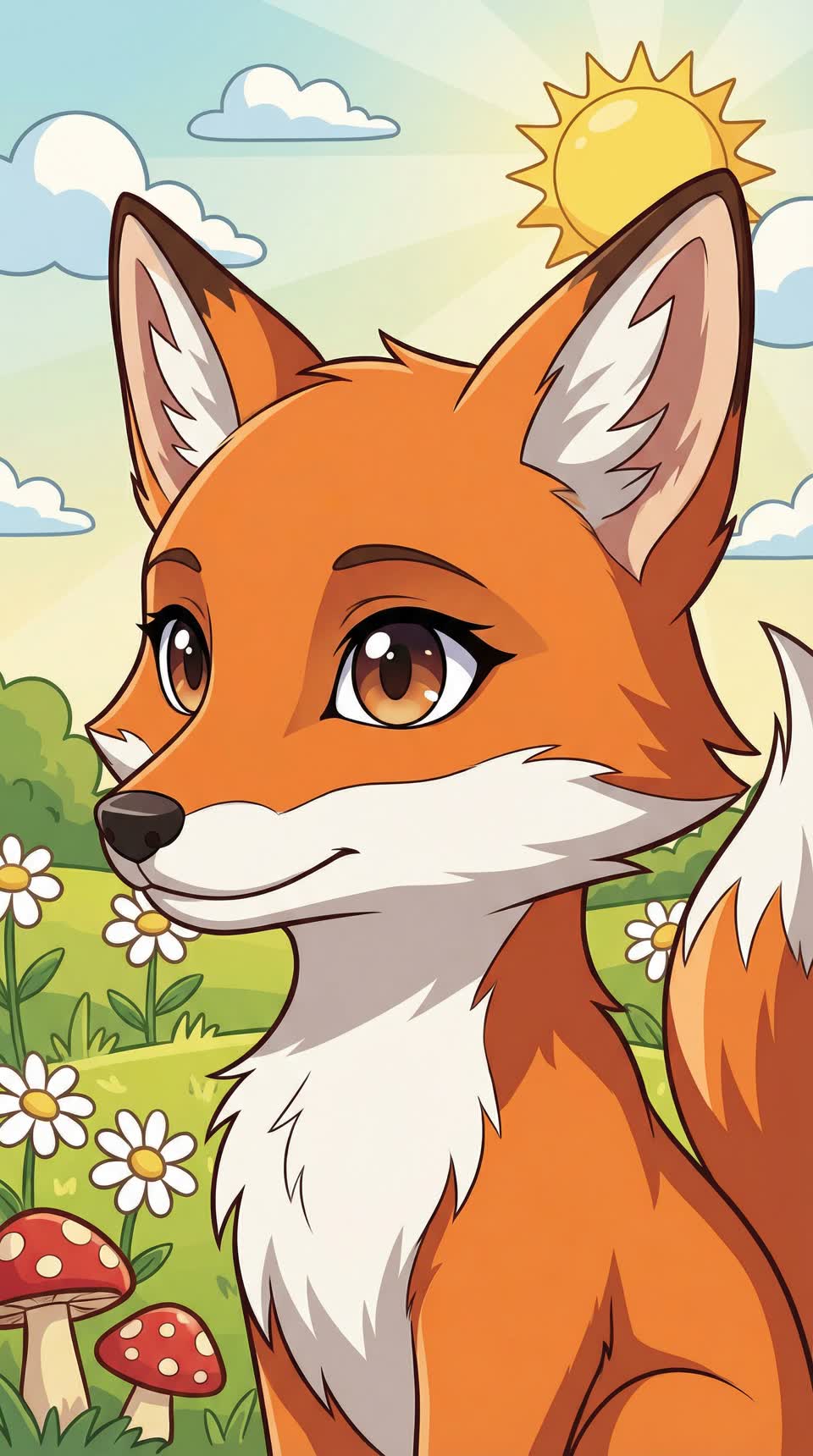
Profile Picture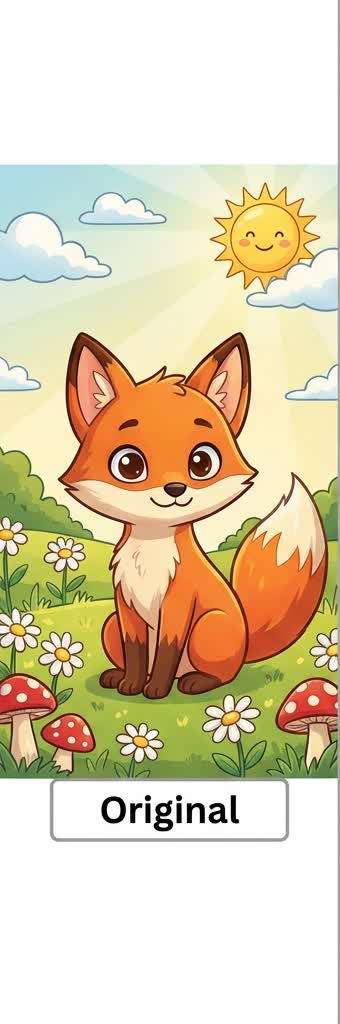
Clean anime profile look
A balanced anime finish that keeps the subject readable while making the final result social-ready.
Jump straight to the uploader and try this style
Try this styleMany users search for an anime selfie filter rather than a broad photo-to-anime tool. That difference matters because selfie intent is usually about facial consistency, avatar usability, and speed.
Selfie-to-anime conversion depends heavily on facial readability. Group shots, wide shots, and overly busy backgrounds usually reduce consistency.
Get a balanced baseline result first, then decide whether to move into a more specific webtoon or Ghibli page.
If you want a sharper comic character feel, move to the Webtoon page. If you want a softer avatar mood, move to the Ghibli page.
This gallery starts with curated static examples so the page feels visual today and stays easy to expand later.