
Pet Makeover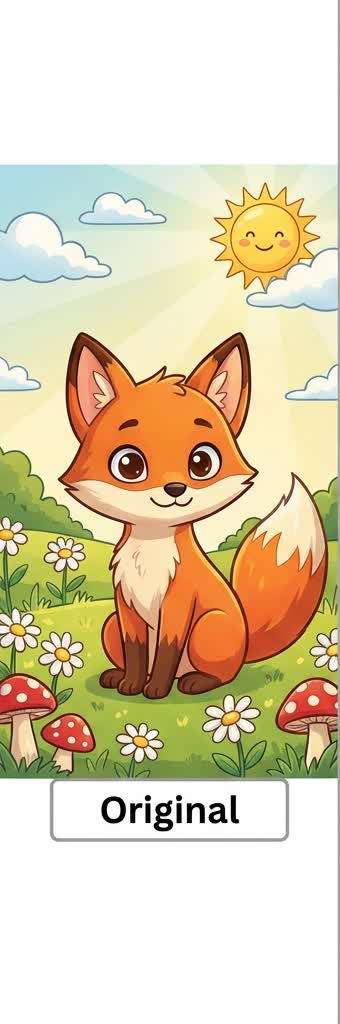
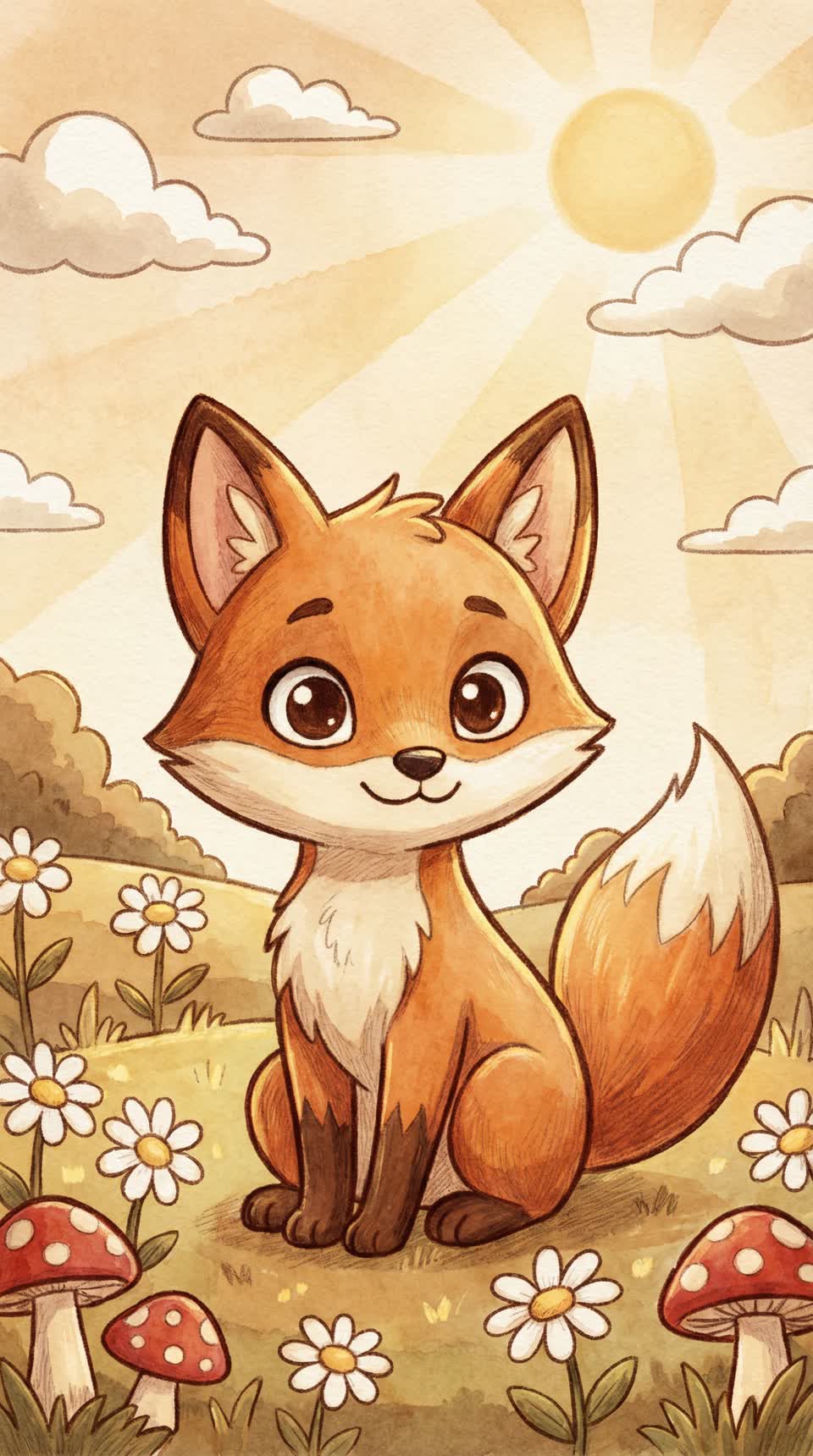
Warm storybook pet portrait
Soft watercolor lighting and a gentler hand-drawn finish make this style feel cozy and cinematic.
Jump straight to the uploader and try this style
Try this styleIf you are searching for a Ghibli profile picture instead of a generic Ghibli filter, you probably care more about avatar crops, softness, and still looking like yourself.
Balanced light and a natural expression make it much easier to create a softer, more storybook-style profile picture. Hard overhead light and busy backgrounds usually work against the look.
Medium intensity usually keeps the best balance between likeness and stylization. Avatar-focused results rarely benefit from maxing out the effect immediately.
If your goal is clearly a profile picture, start with the Ghibli Profile Picture page because it is more focused than the broader style page.
This gallery starts with curated static examples so the page feels visual today and stays easy to expand later.