
Pet Makeover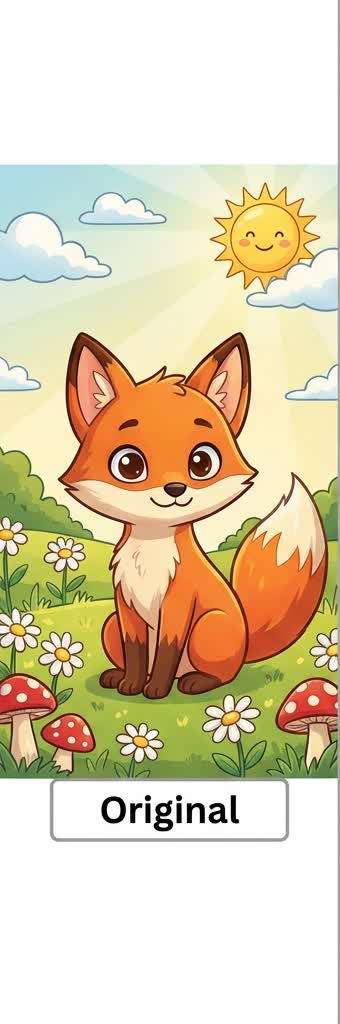
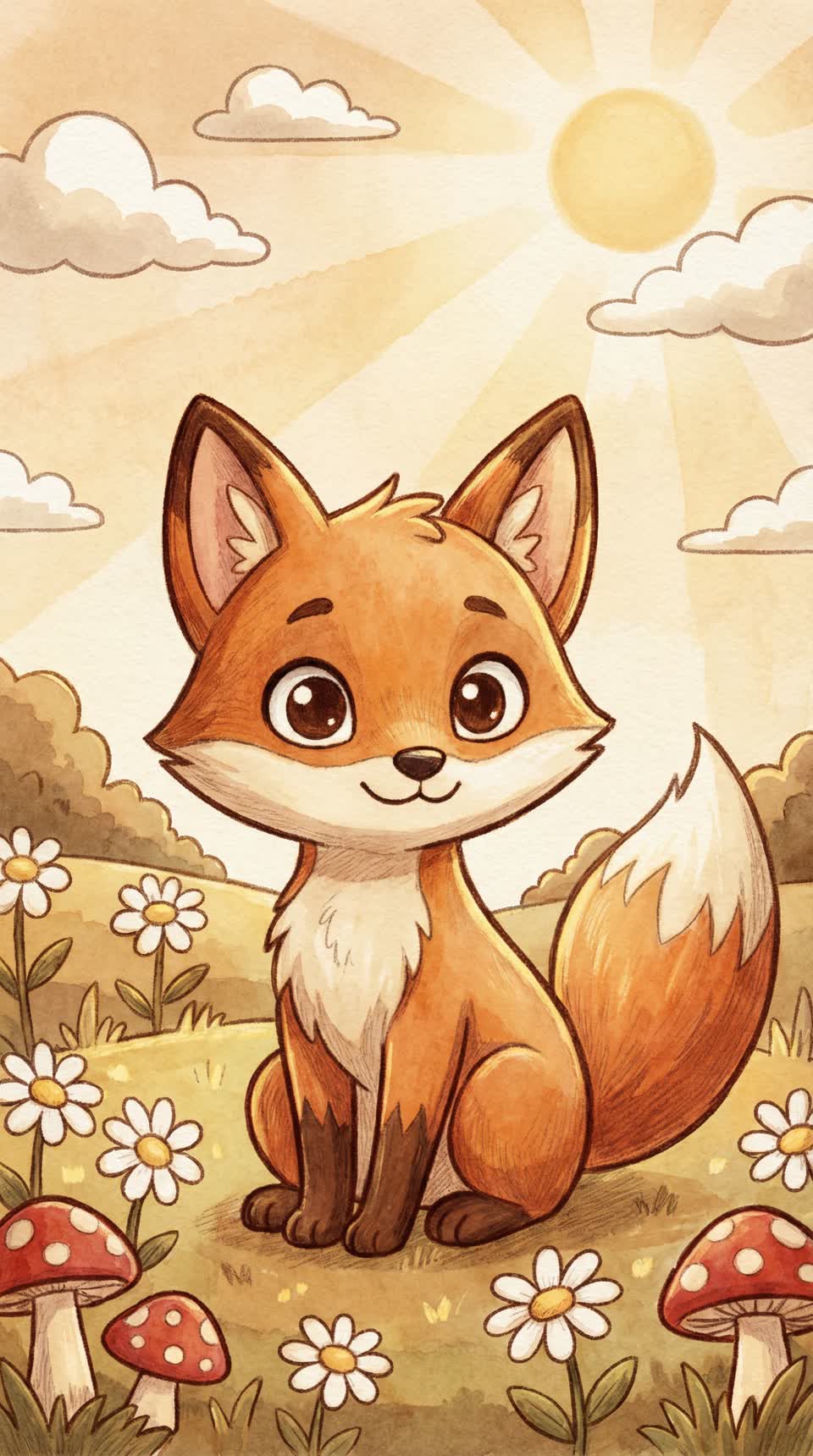
Warm storybook pet portrait
Soft watercolor lighting and a gentler hand-drawn finish make this style feel cozy and cinematic.
Jump straight to the uploader and try this style
Try this styleTurn your selfie into a softer, storybook-style anime avatar with a warm cinematic finish.
Drag & drop your image here, or click to browse
Supported: JPG, PNG, WebP, HEIC
Your image is used only for this generation and is never used to train our own models.
No photo? Try these demos:
This makes the page feel like a true standalone search destination and helps visitors quickly judge if the style matches their intent.
This gallery starts with curated static examples so the page feels visual today and stays easy to expand later.
Ghibli Profile Picture Maker works best with sharp, well-lit photos. Front-facing or slight-angle portraits tend to preserve facial features better, while heavy occlusion, blur, or dark backgrounds can reduce consistency.
If you care about profile-picture accuracy, start with lower intensity and increase gradually. If you want a more stylized result, try a locked style page with higher intensity.
This page narrows the intent toward profile pictures, social portraits, and softer identity images.
Balanced light, natural expressions, and cleaner backgrounds usually produce the strongest Ghibli-style avatar.
Want to start with the general converter? Go back to the Photo to Anime AI Converter home page and then switch back to this style page when you want a more targeted look.
Read the guide first, then come back to the generator with settings that work better for avatar intent.
Read the guide